
How to configure your webdisk user on iPhone?
Want to configure webdisk on iPhone? The best web hosting provides a great feature which will allow its users to store his files on his hosting account. Once you have configured a webdisk user on your cPanel of your hosting account , You can configure it on your iPhone/iOS as well. Please follow below article in order to configure webdisk user on your iPhone.
Step-1:
Installing webdisk is very easy simply open Appstore as shown in below image;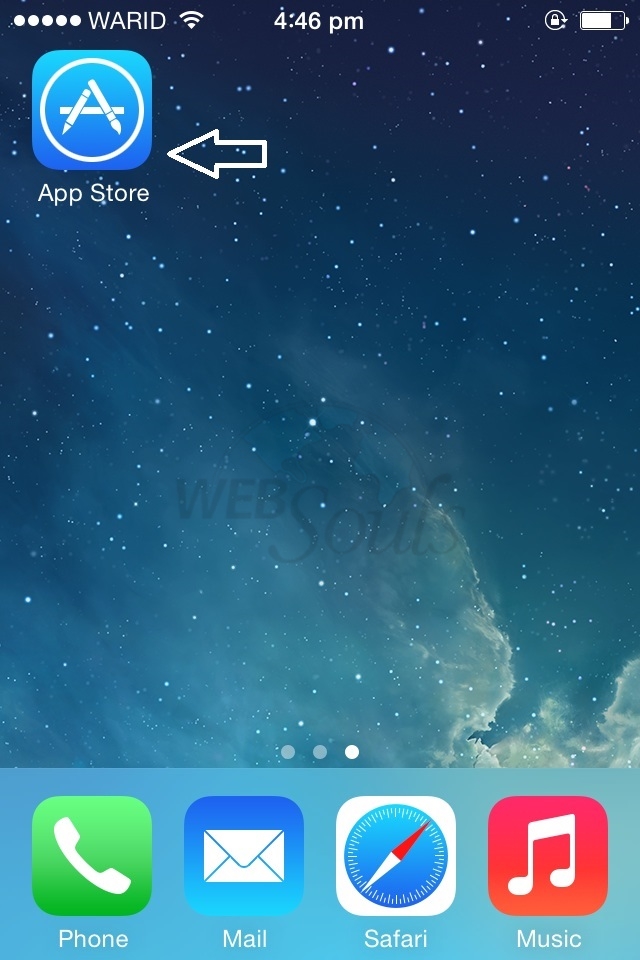
Step-2:
Search "cPanel Webdisk" as shown in below image;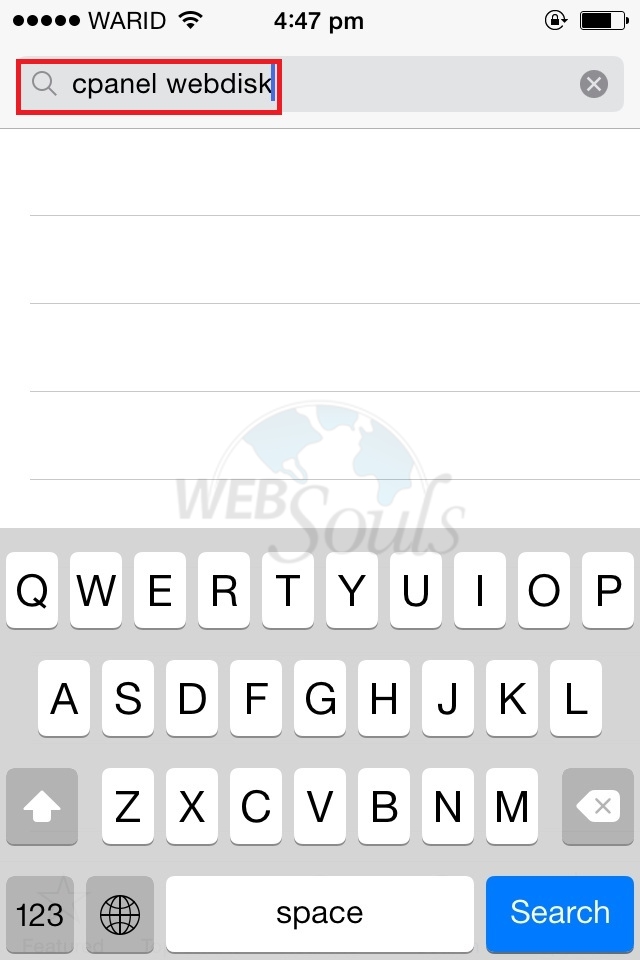
Step-3:
Tap on install as shown in below image;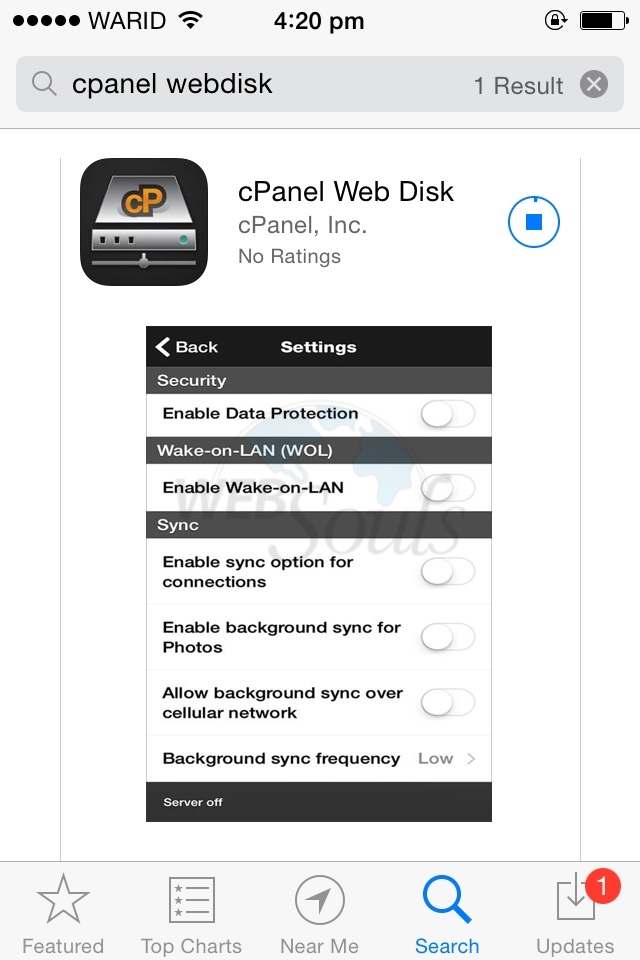
Step-4:
Once the webdisk is successfully installed, Please click on open as shown in below image;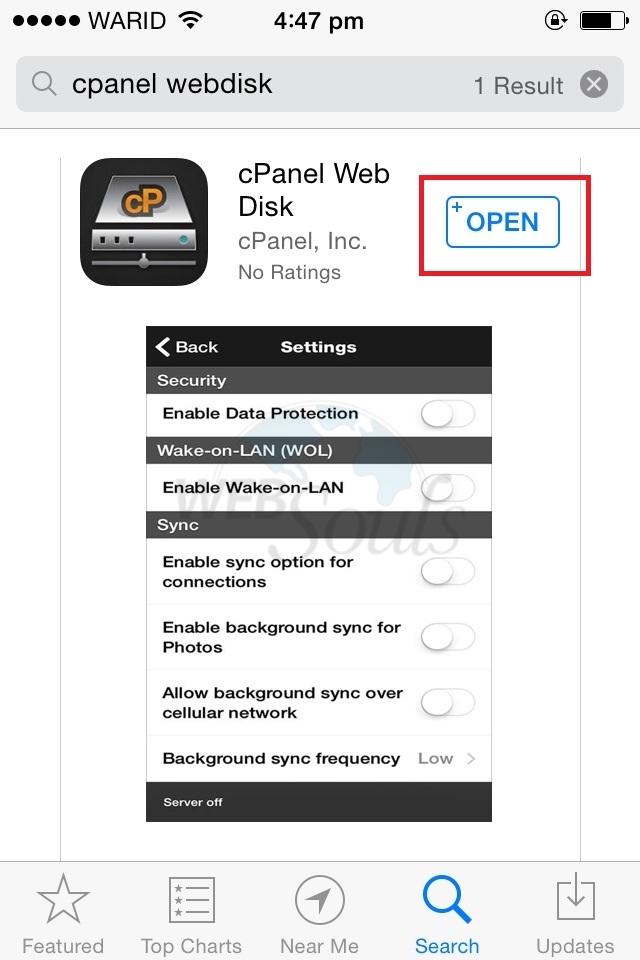
Step-5:
Tap on "+" in order to add your webdisk user as shown in below image;
Step-6:
Provide your webdisk details as shown in below image;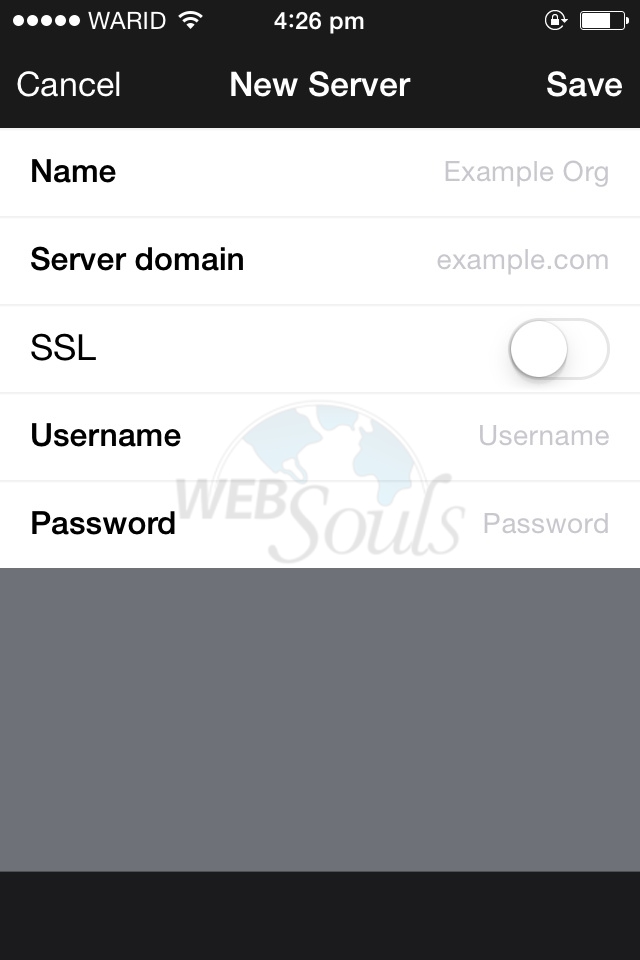
Step-7:
Once you have provided the details now click on save as shown in below image;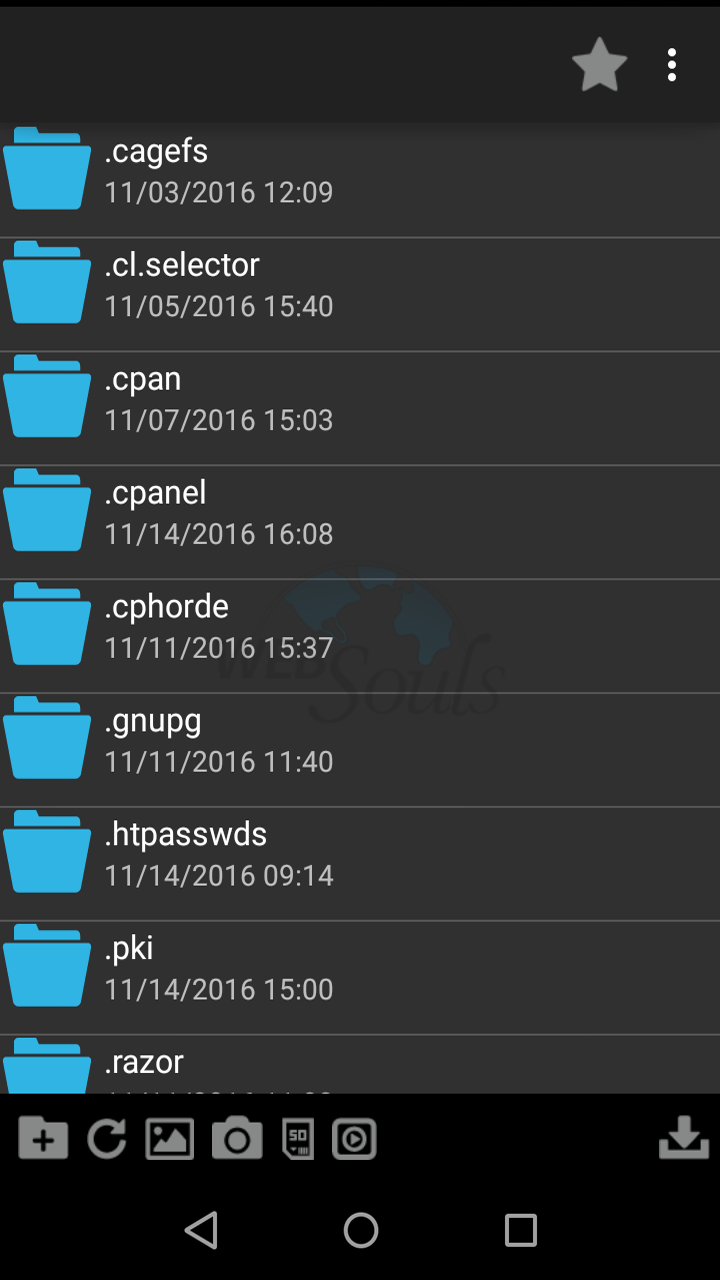
After successfully configuring your webdisk you will find a similar image as shown below. Now you can safegaurd your precious files and images on your Web hosting.
We trust the preceding article proved valuable to you. If you found it beneficial, kindly show your approval with a thumbs up!
Technical Support,
MAGMA3C